Web app · 2026
Synch
Project management and invoicing for freelancers and small studios.
- Type
- Web app
- Built with
- Next.jsNestJSTypeScriptPostgreSQLKyselypg-bossCloudflare R2Docker
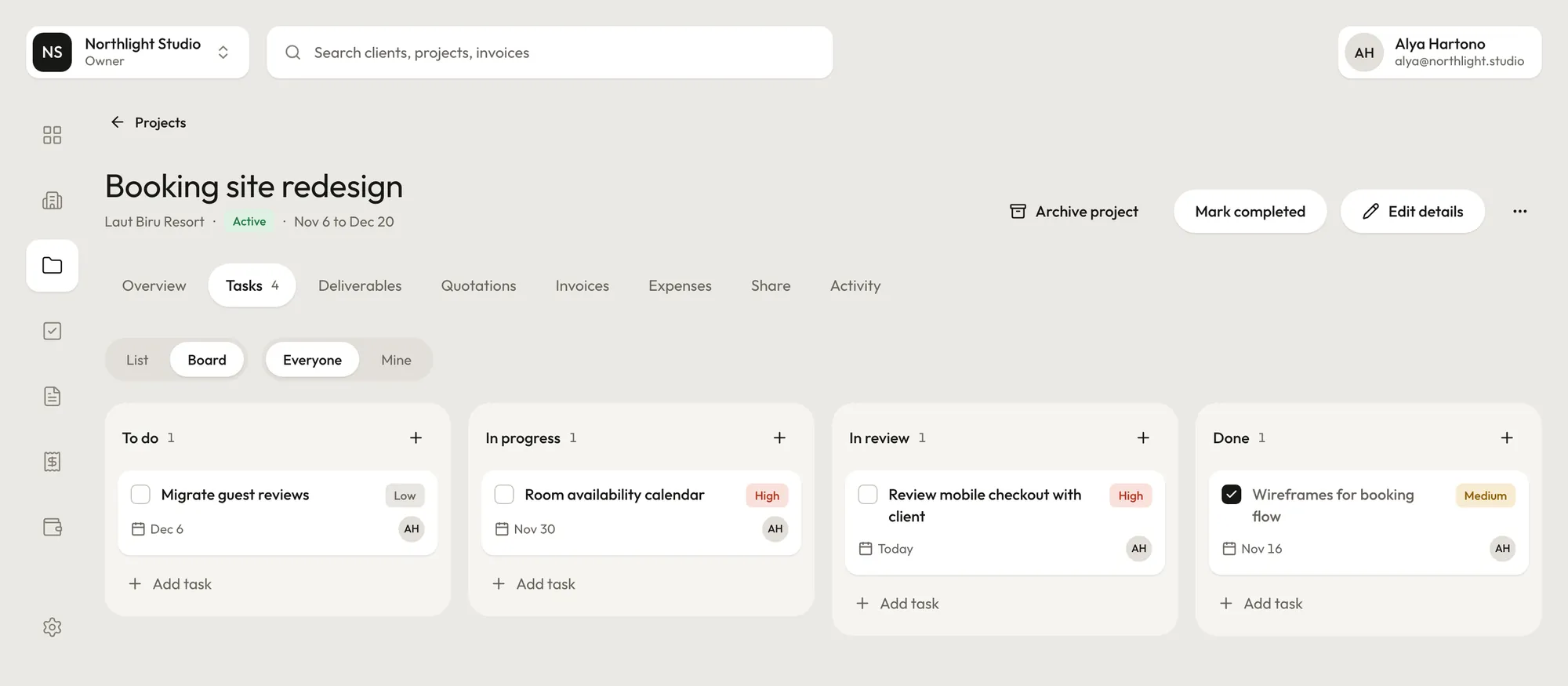
Synch started as a simple client management tool. It now covers a whole job from start to finish: a quotation becomes a project, the work is tracked as tasks and deliverables, and the project closes with an invoice and a payment.
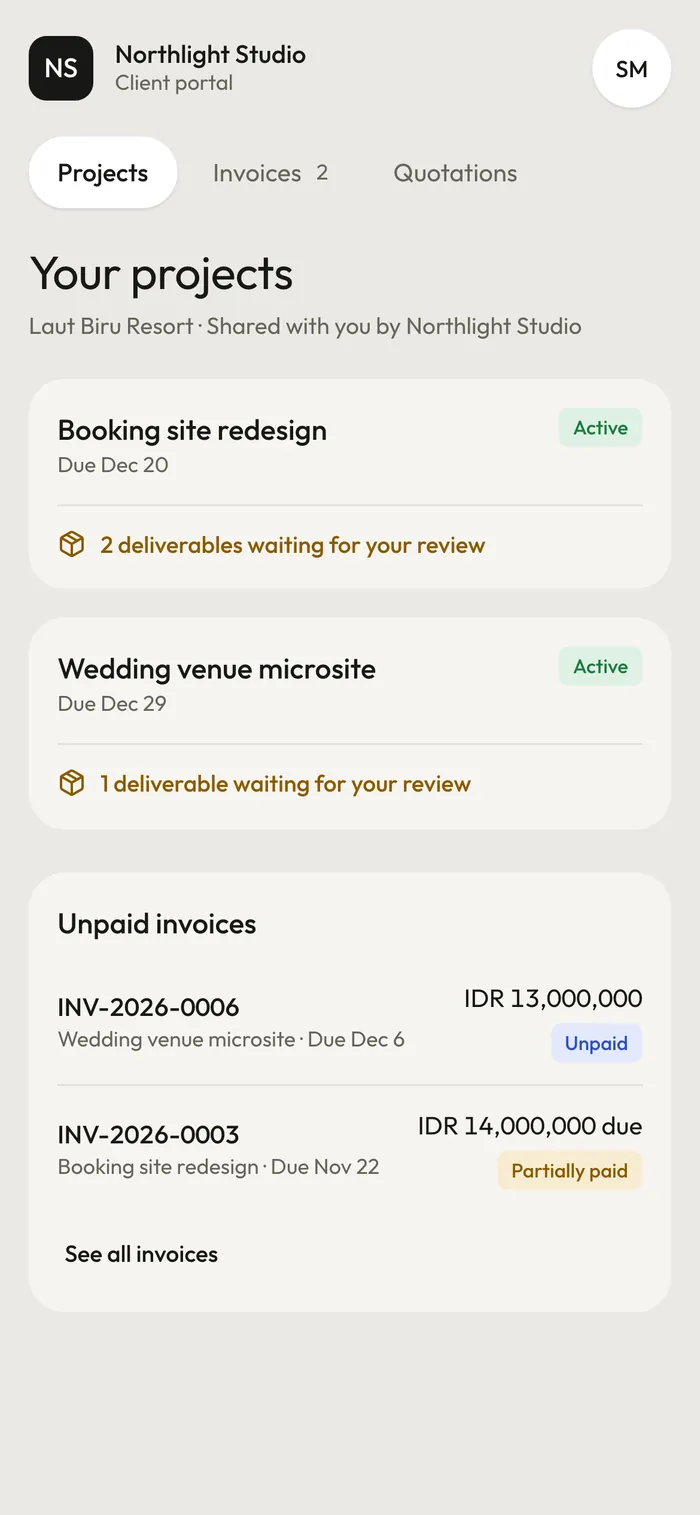
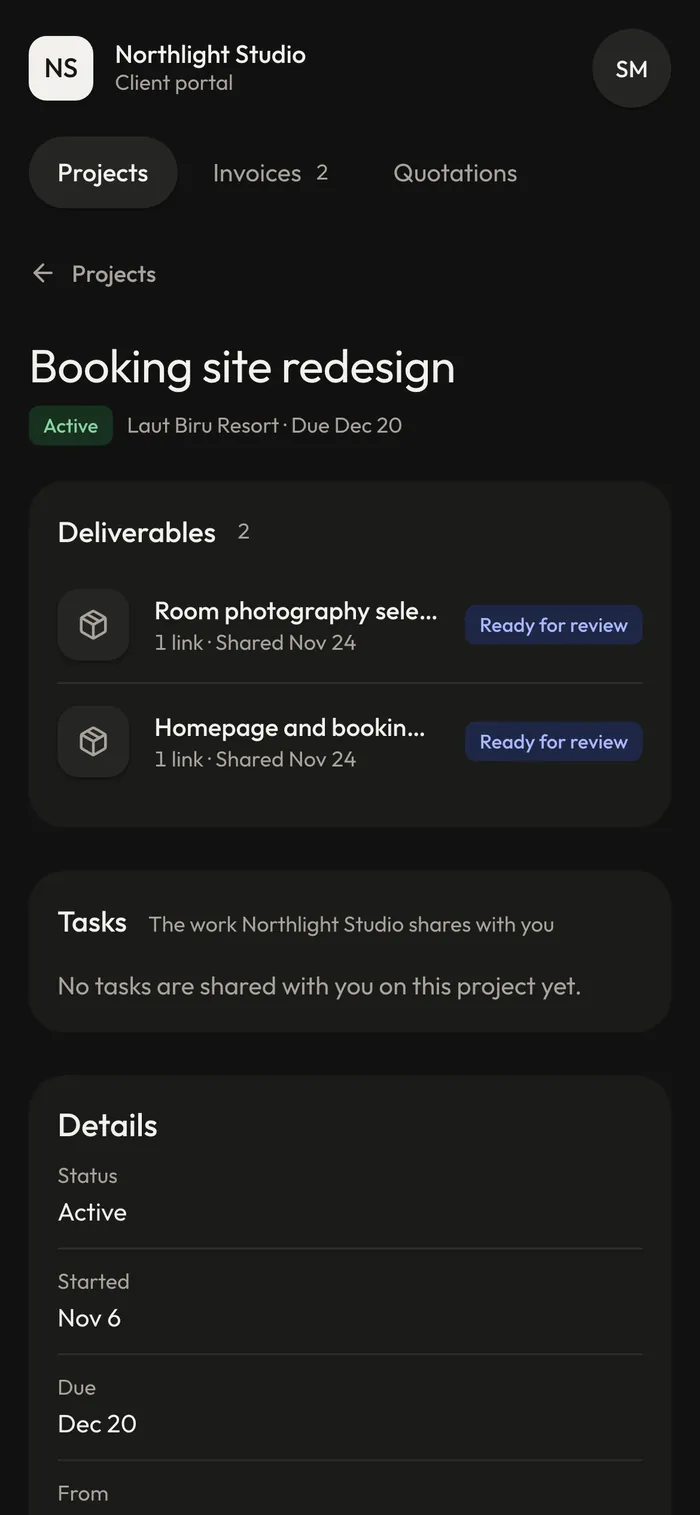
Clients follow along in their own portal, and password-protected share links show a project, deliverable or invoice to anyone without an account. Files go straight from the browser to object storage through presigned URLs, and quotations and invoices render to PDF in the background.
What it does
Quote to invoice
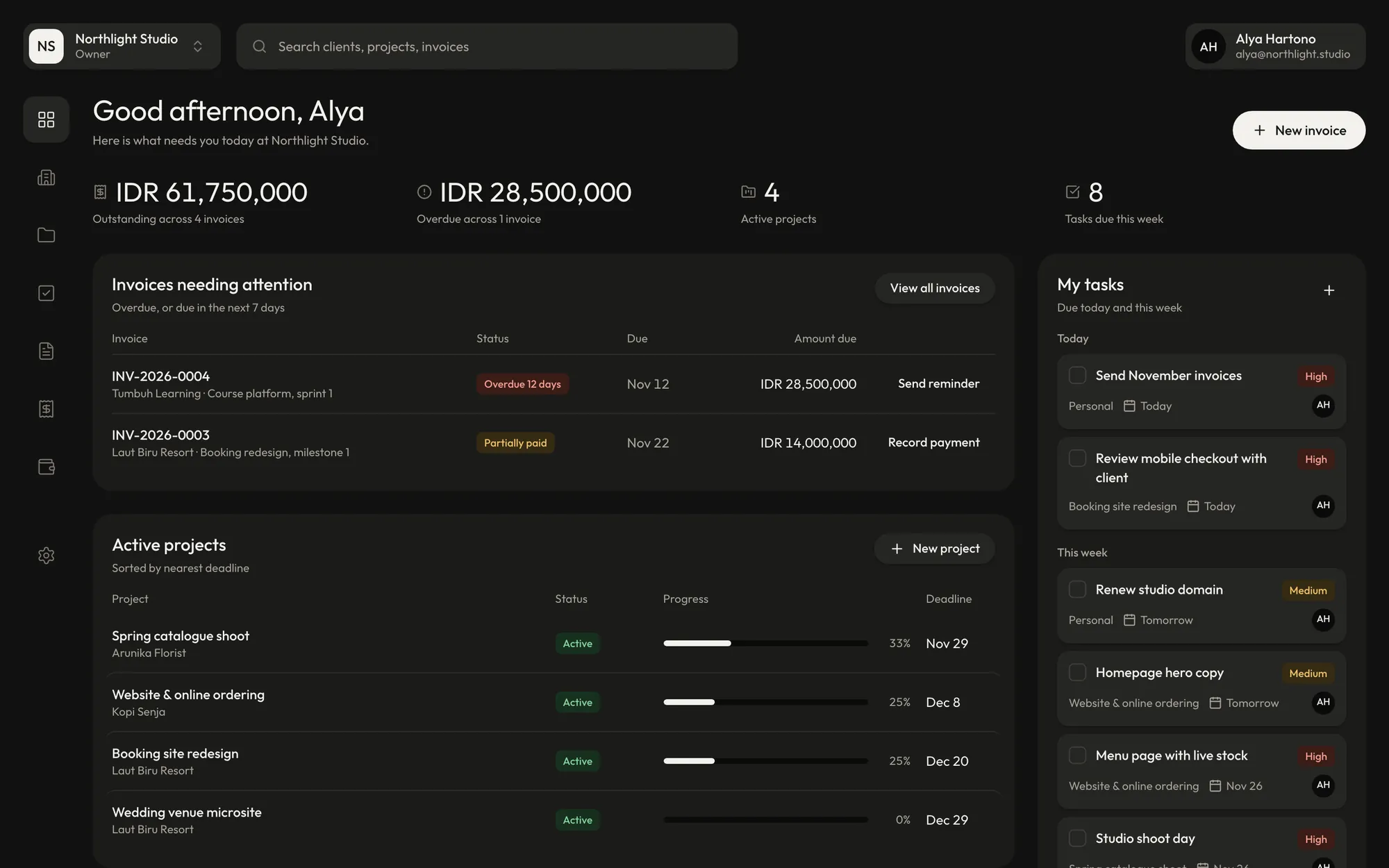
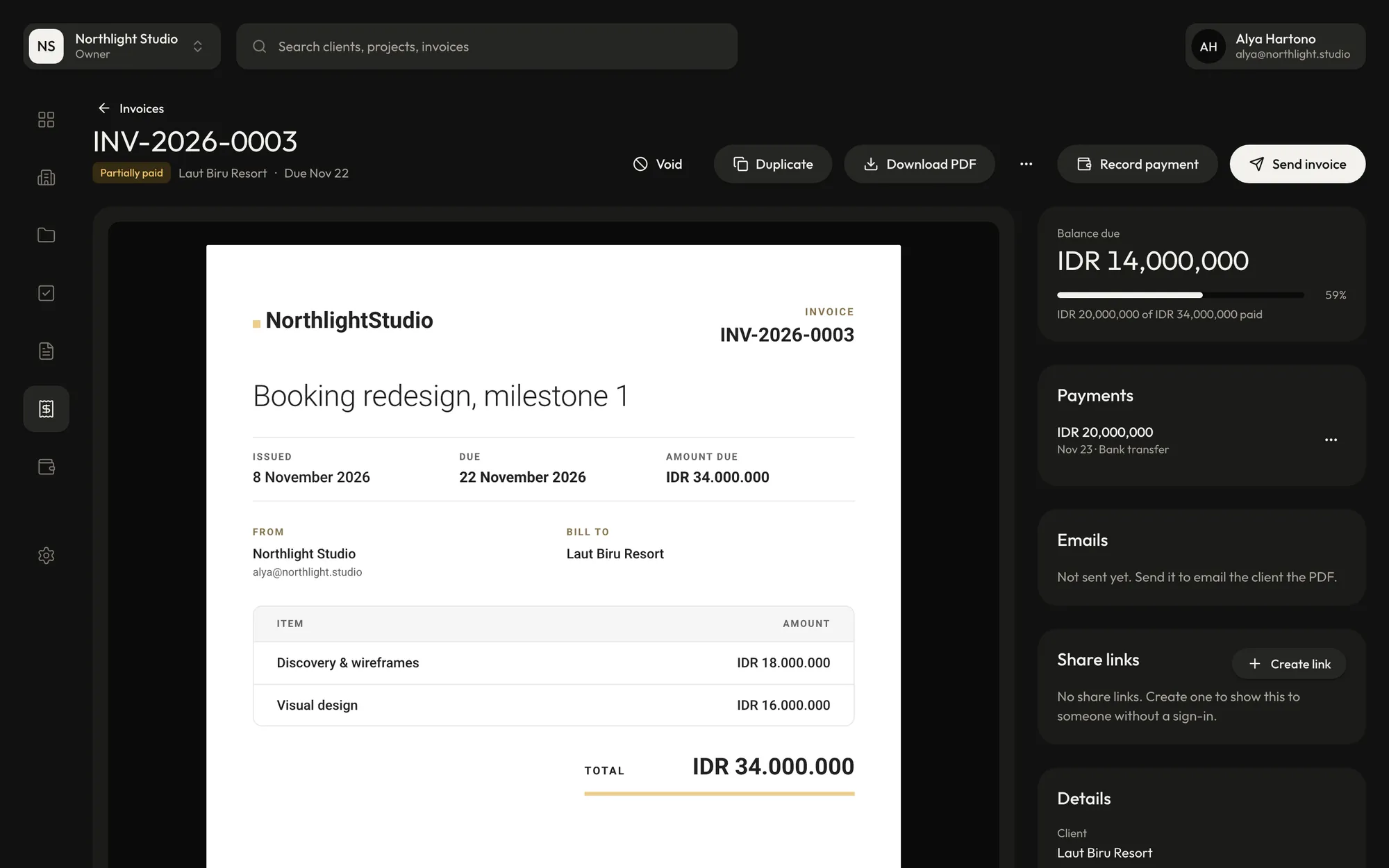
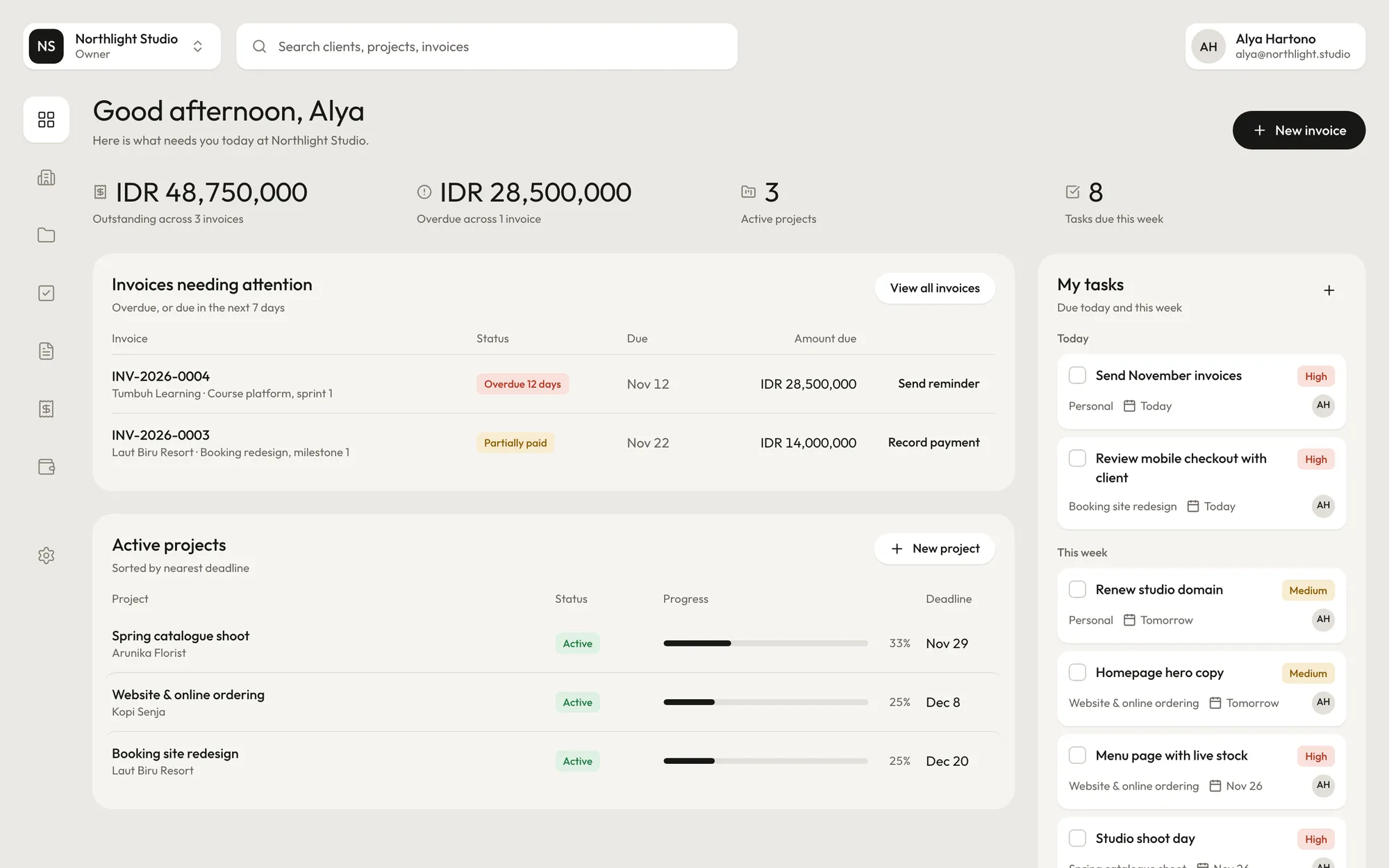
Quotations, invoices with partial payments, and a dashboard that flags what is overdue or due this week.
Client portal and share links
Clients check progress and download deliverables without being added to the workspace.
Expenses and cash flow
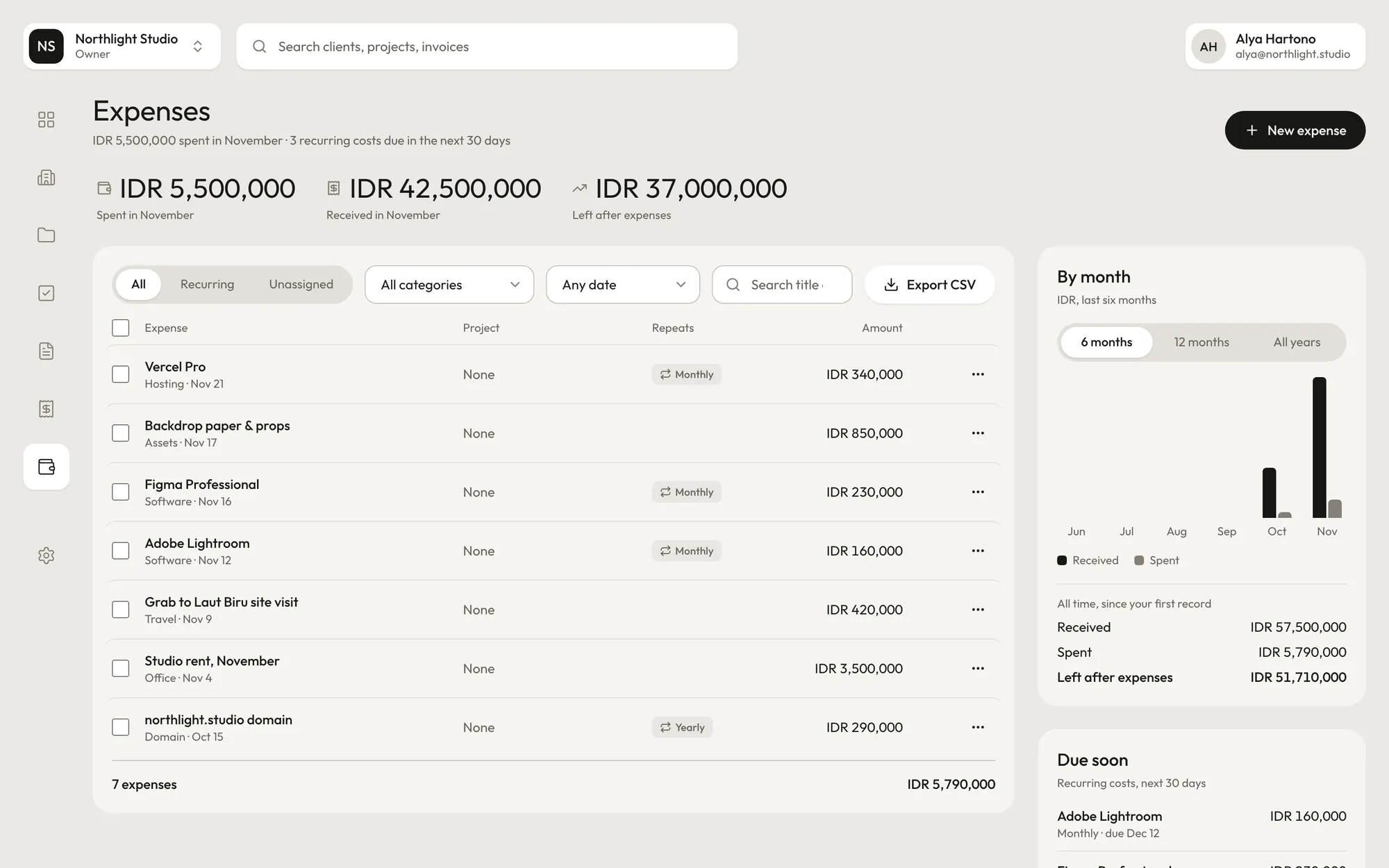
Recurring costs, CSV export, and a monthly chart of money received against money spent.
How it runs
A NestJS API and job worker, PDFs rendered by Gotenberg, files on Cloudflare R2, deployed with Docker on Coolify and tested end to end with Playwright.
Screenshots