Productivity app · 2026
Moonday
Calendar, tasks and notes in one keyboard-first app.
- Type
- Productivity app
- Built with
- Next.jsNestJSTypeScriptPostgreSQLKyselyRedisBullMQTiptapFullCalendar
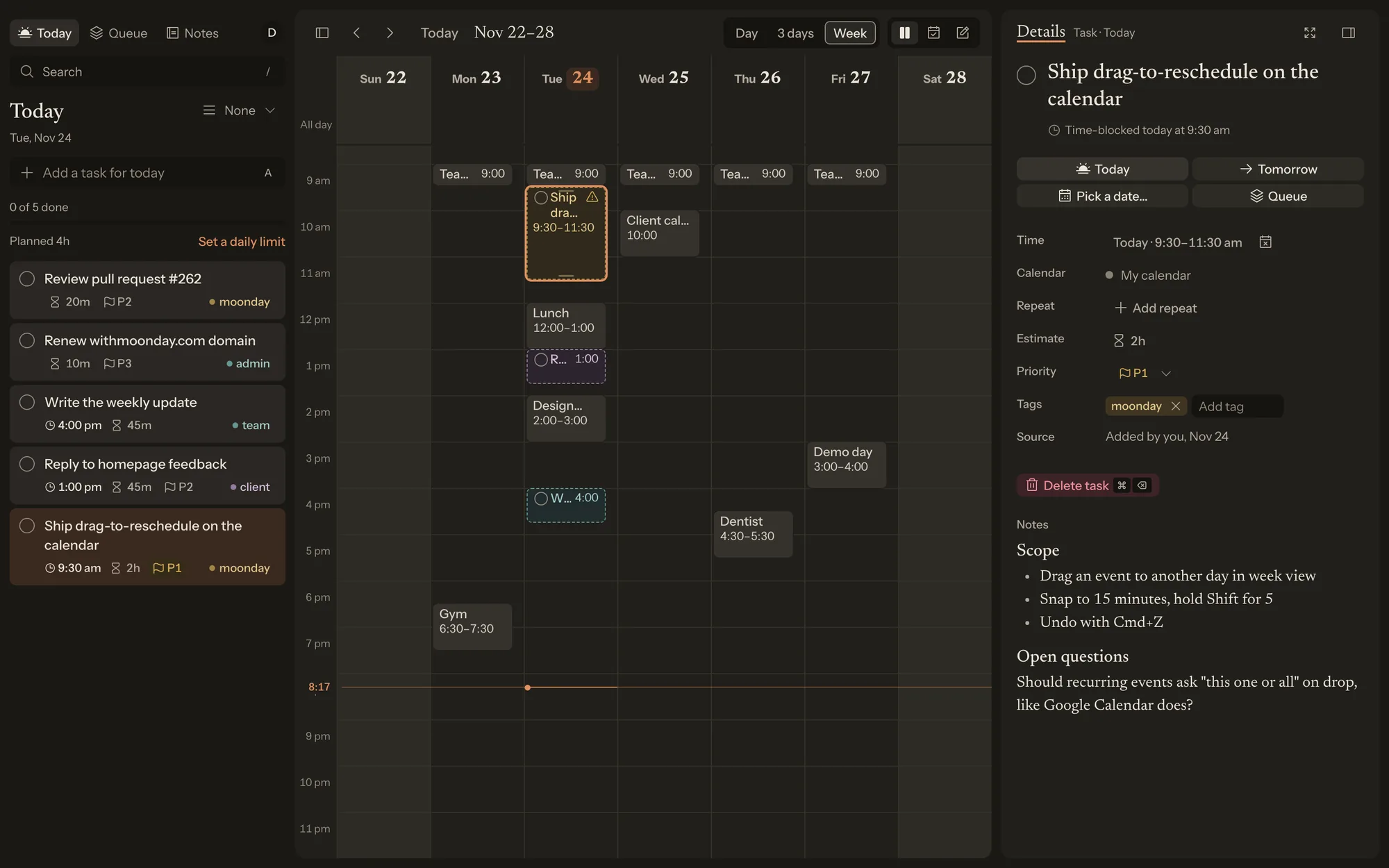
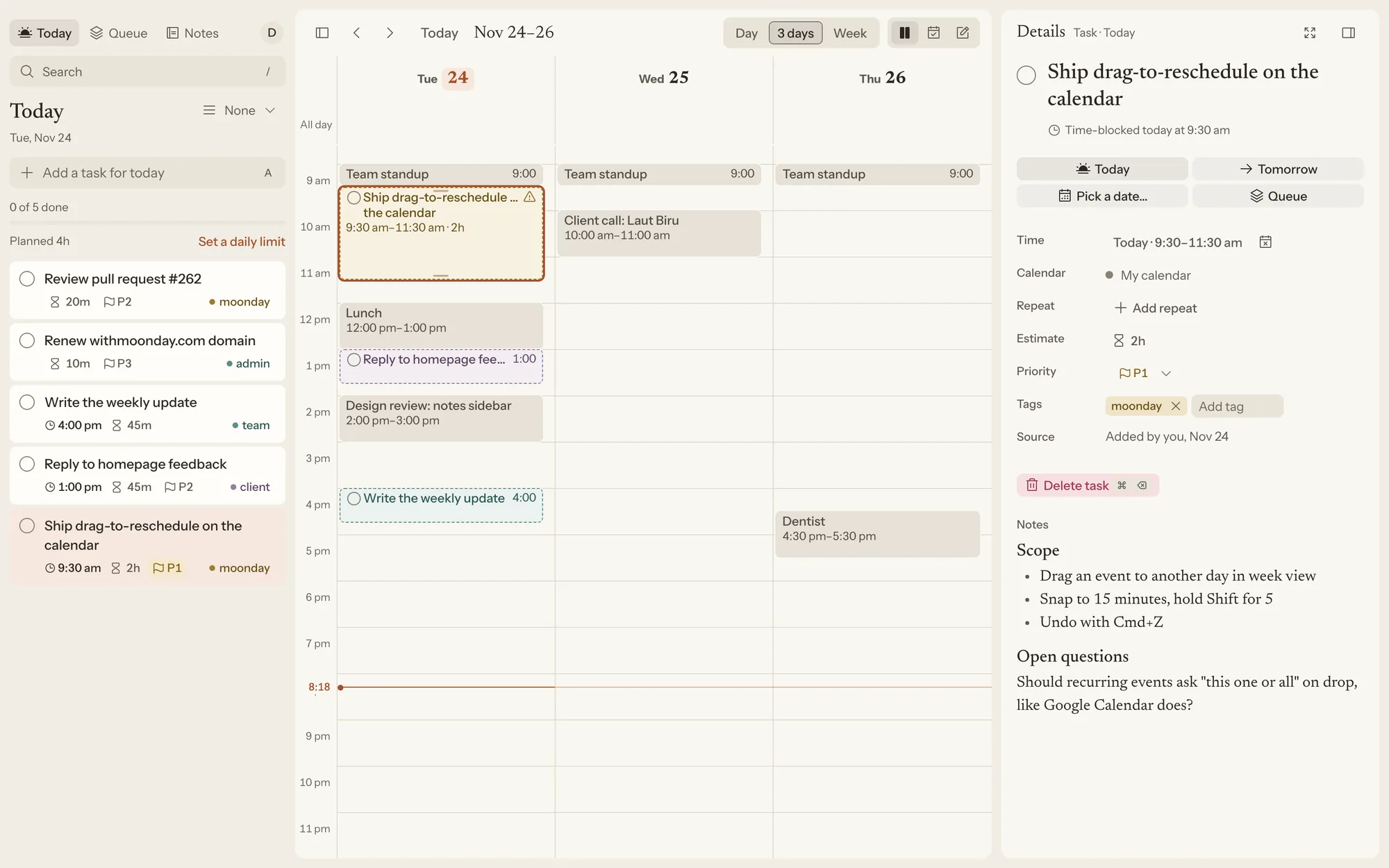
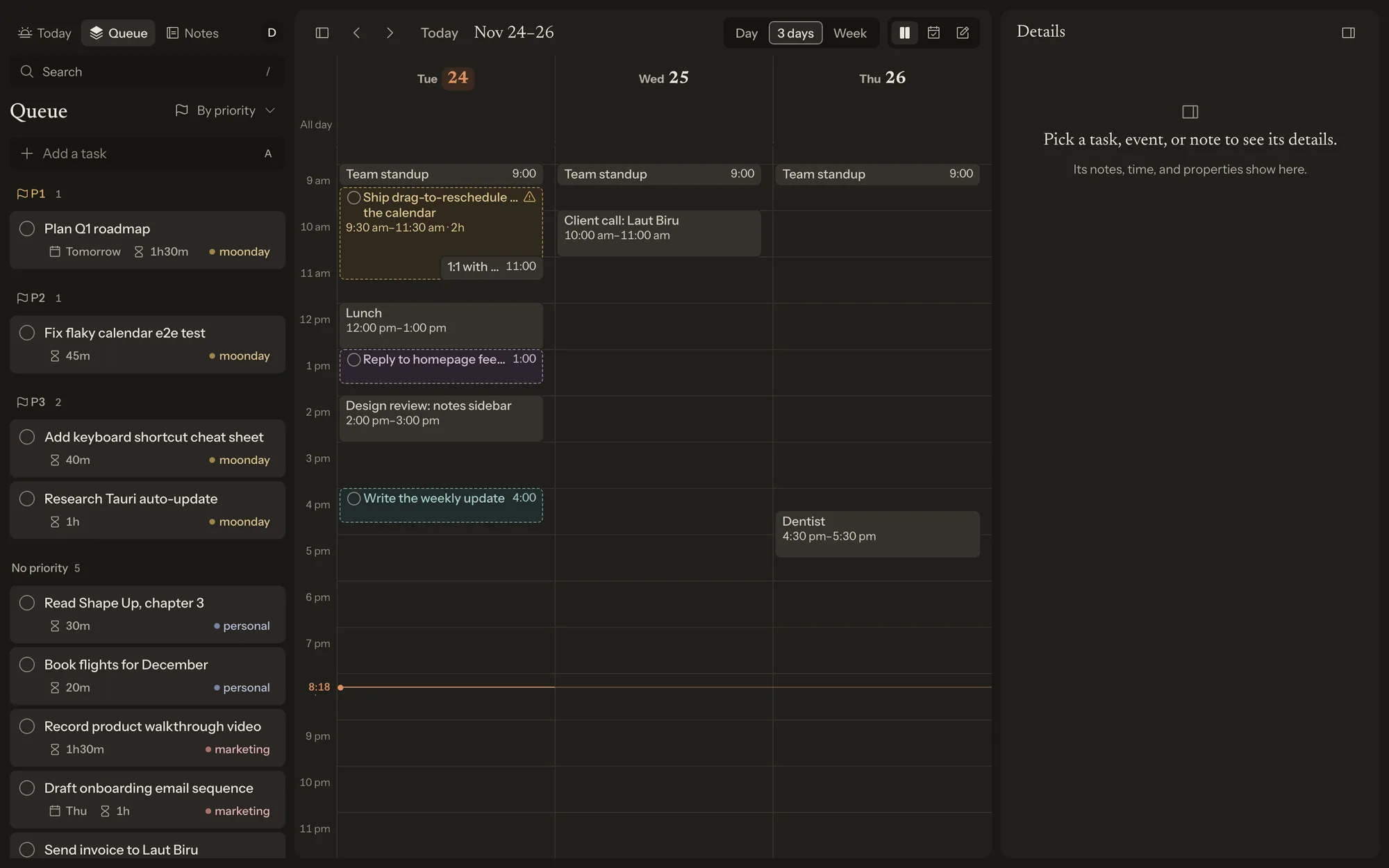
Moonday replaces the usual trio of a calendar, a to-do app and a notes app. Tasks wait in a queue until you plan them for a day or drag them onto the calendar, and every task, event and note has its own block editor for notes.
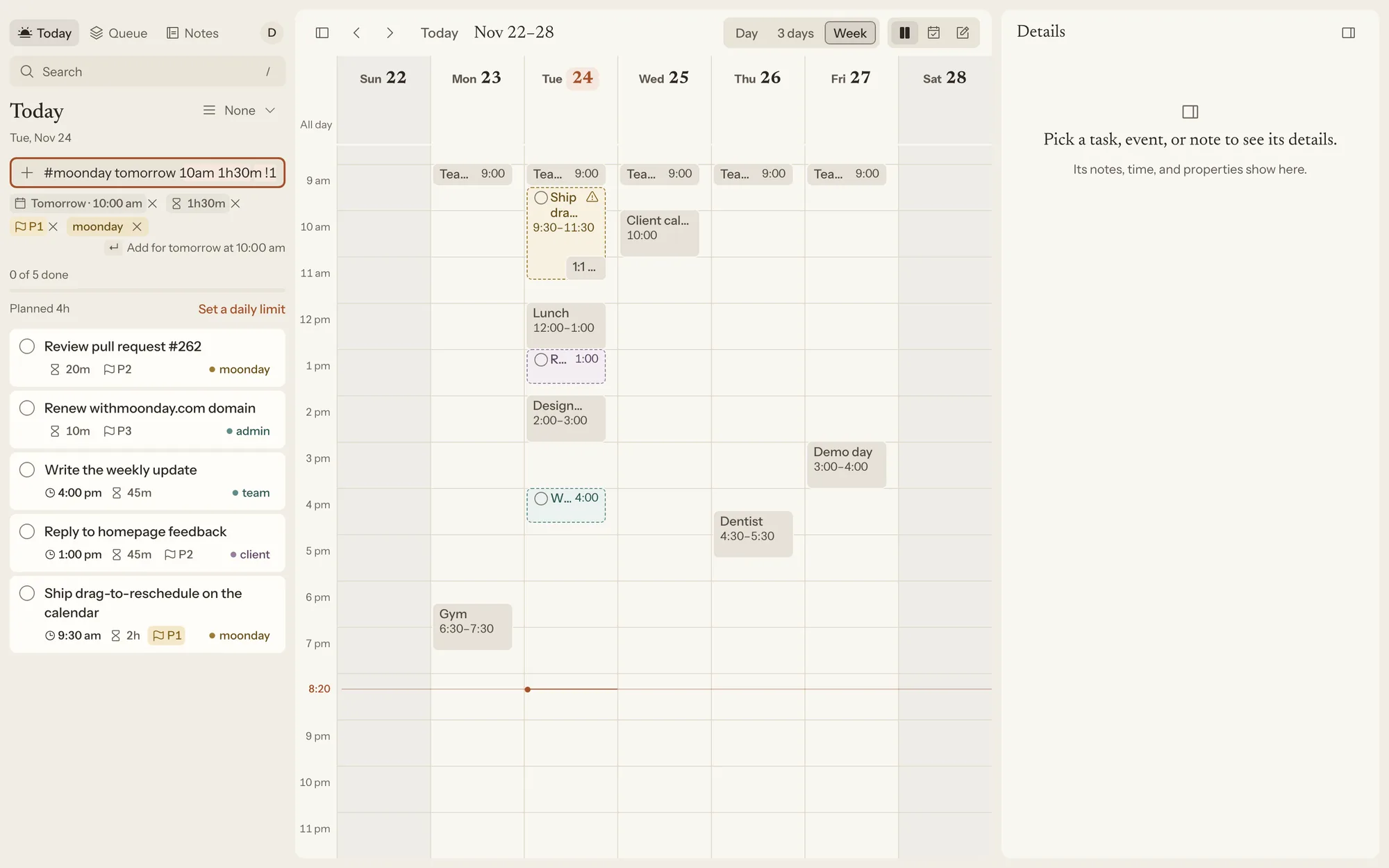
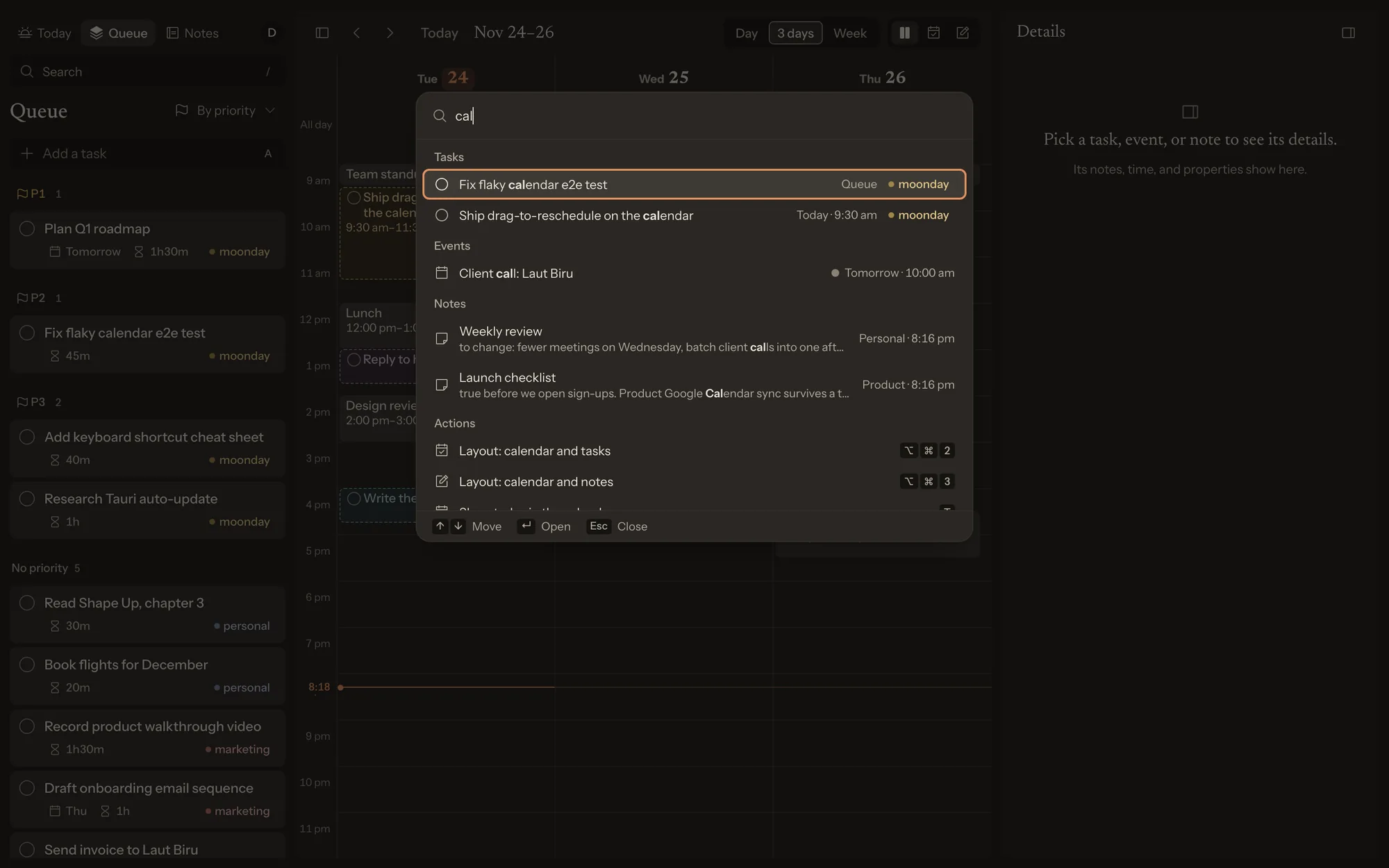
Quick add reads plain text like "sync Google Calendar #moonday tomorrow 10am 1h30m !1" and turns it into a date, a duration, a tag and a priority. Every action has a shortcut, and a command palette finds tasks, events, notes and commands from one box. Events sync both ways with Google Calendar.
What it does
Time-block by dragging
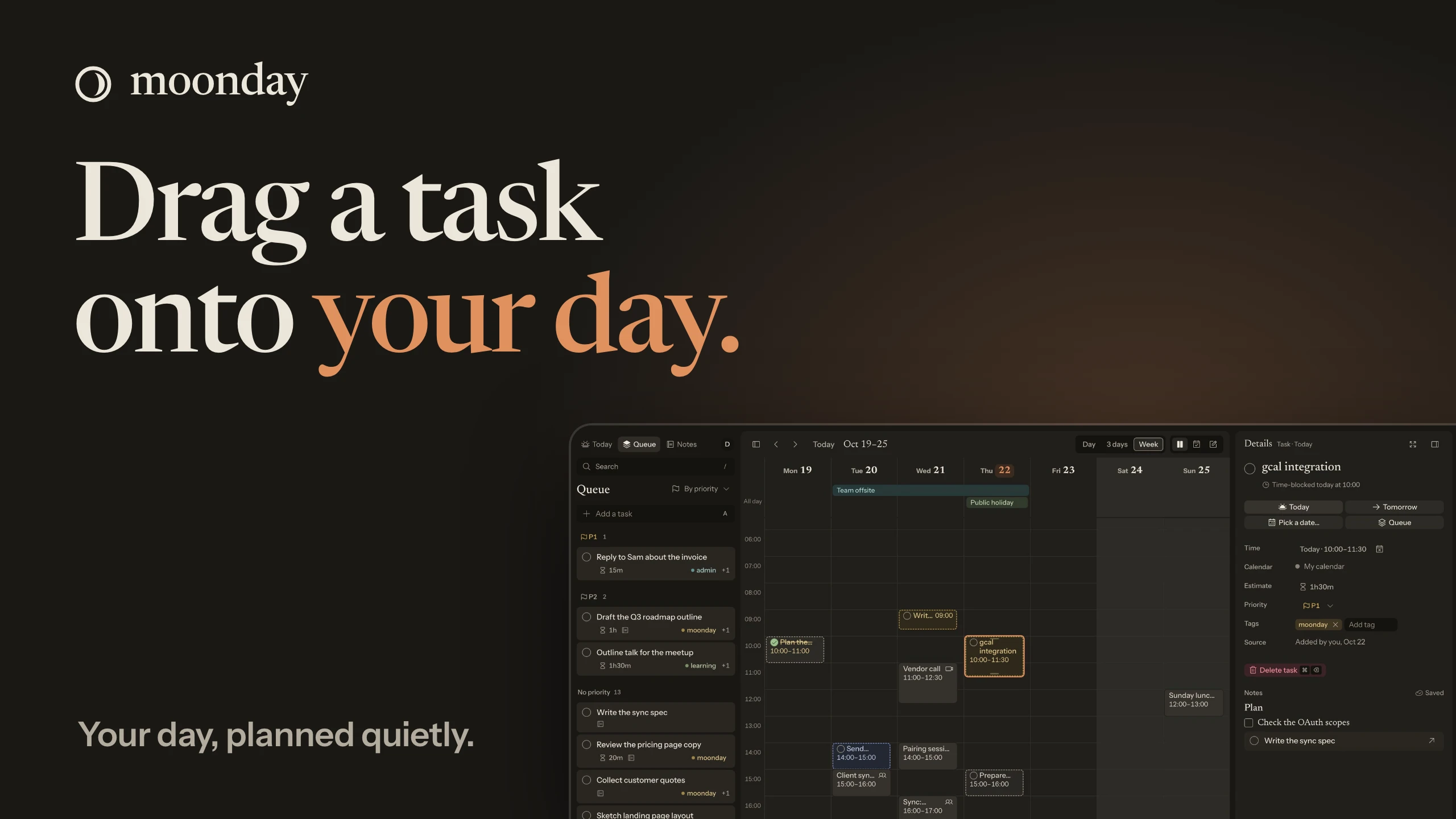
Drag a task from the queue onto the calendar and it gets a time. Conflicts with other events are flagged on the block.
Quick add in plain text
Dates, times, durations, tags and priorities come straight from what you type, shown as chips before you press Enter.
Notes on everything
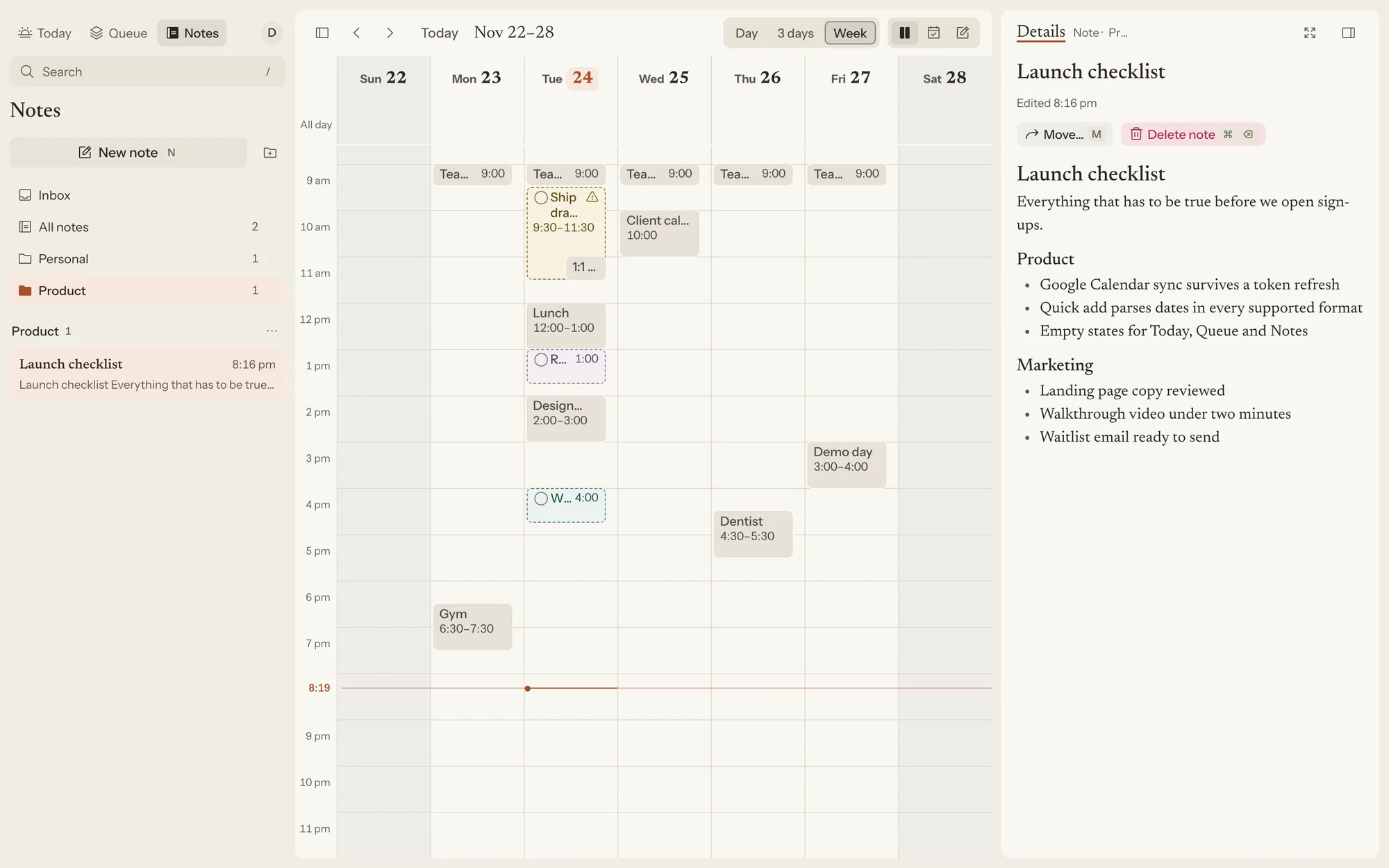
A block editor with headings, lists and checklists on every task, event and note, with folders for the notes.
Keyboard first
Every command has a keybinding, and the command palette searches tasks, events, notes and actions at once.
Screenshots